
You can build a polished website for free using beginner-friendly tools, and you’ll control layout, content, and basic SEO without upfront costs. With a clear goal and a simple template, you’ll have a live site faster than you think. Keep going to see step-by-step choices and practical tips that save time and avoid common pitfalls.
Choose the Right Free Website Builder

Which free website builder is best for your project? You’ll evaluate ease of use, templates, customization, and built-in features.
Pick a builder with intuitive drag-and-drop editing if you want speed, or a template-focused platform if you prefer structure.
Check mobile responsiveness, SEO tools, and plugin or app marketplaces.
Note storage, bandwidth, and bandwidth caps so you won’t hit limits.
Confirm whether the free plan includes a subdomain, displays ads, or allows a custom domain upgrade.
Review e-commerce basics if you’ll sell items: product limits, payment gateways, and transaction fees.
Look at customer support options and community resources.
Test two or three builders by building a quick draft; that hands-on trial will reveal which fits your workflow.
Also compare security, backups, and scalability before deciding.
Plan Your Site Structure and Goals
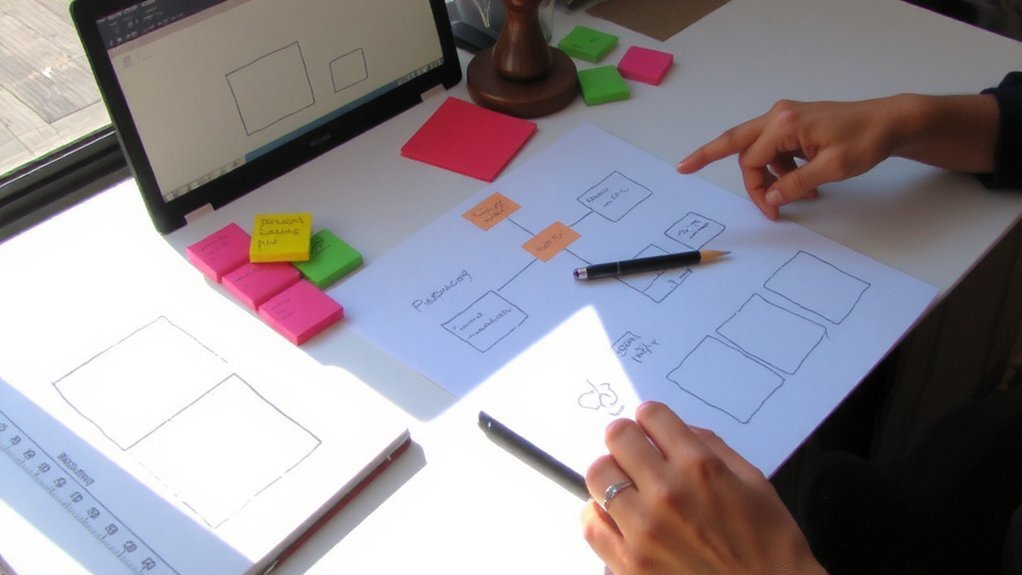
How do you want visitors to act when they land on your site? Start by defining a clear goal—sell, inform, collect leads, or showcase work—then list primary actions you want users to take.
Sketch a simple sitemap with main pages: Home, About, Services/Products, Contact, Blog or Portfolio.
Prioritize content that supports your goal and place strong calls-to-action where they’re most visible.
Plan navigation that’s shallow and logical so users find things within two clicks.
Consider mobile flow, load speed, and basic SEO: titles, headings, and meta descriptions for each page.
Decide how you’ll measure success—traffic, signups, or sales—and set baseline targets so you can iterate based on real data.
Map user journeys for key personas and note content gaps you’ll fill first.
Review regularly.
Register an Account and Pick a Template

With your site goals and sitemap in hand, create an account on a website builder (use a reliable email and a strong password) and start browsing templates that match your purpose.
Look for layouts tailored to blogs, portfolios, shops, or landing pages so you don’t force design elements later. Preview templates on desktop and mobile, checking navigation, header options, and content blocks.
Note which templates support necessary features—contact forms, galleries, e-commerce, or blogging. Consider template update frequency and built-in SEO settings.
Pick one that balances aesthetics with functionality; you can swap later, but starting with a close fit saves time.
Finally, register your free subdomain or connect a custom domain if available and confirm account settings before proceeding. Save your login details and backup.
Customize Design With Drag-And-Drop or AI Tools
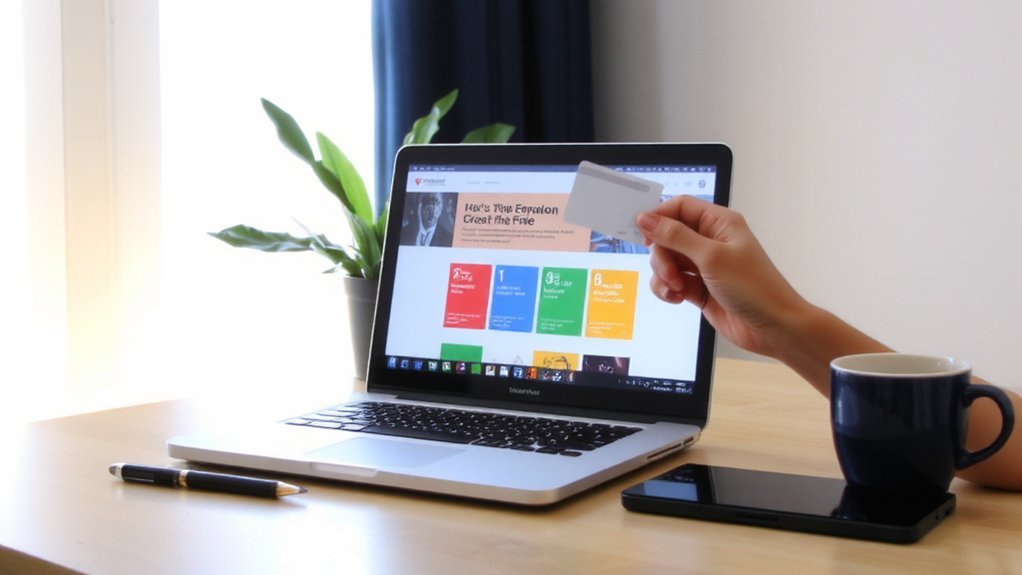
Start by choosing between drag-and-drop editors and AI assistants to speed layout, styling, and content decisions.
With a drag-and-drop editor, you’ll rearrange sections, add prebuilt blocks, and tweak spacing visually — no code needed.
Use global style settings to set fonts, color palettes, and button styles so changes stay consistent across pages.
AI tools can suggest layouts, generate style palettes, and propose microcopy; review suggestions and adjust them to match your brand voice.
Make responsive tweaks for mobile and tablet views so elements resize and stack properly. Test interactive elements like menus and forms to ensure usability.
Save versions as you go, preview in multiple browsers, and publish when the design feels cohesive and polished.
Keep accessibility in mind with contrasts and keyboard navigation.
Add Content, Images, and Essential Pages

Where will visitors look first? Start with a clear headline and concise value proposition on your homepage so people immediately know what you offer.
Use short sections, call-to-action buttons, and readable fonts.
Create essential pages: About, Contact, Services or Products, FAQ, and a simple Privacy Policy.
Write in plain language, use headings and bullet points, and keep paragraphs short.
Add images that support your message—use free stock photos or your own high-quality shots, and optimize file sizes so pages load quickly.
Include captions and alt text that describe images for clarity.
Keep navigation simple and consistent so visitors find key pages in two clicks.
Regularly update content to keep information accurate and relevant.
Ask friends for feedback before publishing to catch any issues quickly.
Optimize for SEO and Mobile Performance
Optimizing your site for SEO and mobile performance boosts visibility and keeps visitors engaged.
Use clear, descriptive titles and meta descriptions that include target keywords, and structure content with H1–H3 headings so search engines and readers scan easily.
Add alt text to images, use readable URLs, and create a simple internal linking plan.
Compress and resize images, enable lazy loading, and minify CSS/JS to improve load times.
Ensure responsive layouts, tap-friendly buttons, appropriate font sizes, and the viewport meta tag so mobile users don’t pinch or zoom.
Run mobile-friendly and speed tests, address reported issues, and set up a basic XML sitemap and robots.txt to guide crawlers.
Track performance with analytics and iterate based on real user data over time to improve results steadily.
Publish Your Site on a Free Subdomain and Connect a Custom Domain Later
Although a free subdomain limits branding and SEO, you can get your site live quickly and test features without cost.
Use the website builder’s publish button, choose the provided subdomain (yoursite.platform.com), and follow prompts to make the site visible.
Share the link with friends or embed it in profiles to gather feedback.
Meanwhile, buy or transfer a custom domain when you’re ready; providers often include DNS instructions and a step to connect via cname or A records.
Keep content, images, and site structure consistent so the switch is seamless.
When you add the custom domain, verify ownership and update links, then set redirects from the subdomain to the new address.
That way your early traffic and SEO signals carry over without losing established rankings.
Monitor Performance and Know When to Upgrade
Once you start attracting visitors, monitor key metrics—traffic, load times, uptime, storage and bandwidth usage, and conversion rates—to see if your current plan still fits.
You’ll know to upgrade when pages load slowly for users, you hit storage or bandwidth caps, uptime drops, or you need features like a custom domain, SSL, higher email limits, or e-commerce tools.
Use analytics and hosting dashboards to track trends weekly, not just spikes.
Test pages on mobile and slow connections; optimize images, caching, and code before upgrading.
If you frequently hit limits or expect growth, compare paid tiers for backups, staging, performance boosts, and support.
Budget for predictable costs, migrate when downtime or lost conversions outweigh free plan savings, and keep backups so upgrades stay smooth.
Conclusion
You’ll create a professional website for free by choosing a beginner-friendly builder, planning your structure, and customizing a template. Add clear pages, optimized images, and basic SEO, and test mobile views before publishing on the free subdomain. Track performance with analytics and learn from visitors. When you need a custom domain, more storage, or e-commerce, upgrade. Start now, iterate often, and keep improving your site as your goals and audience grow over time consistently always.